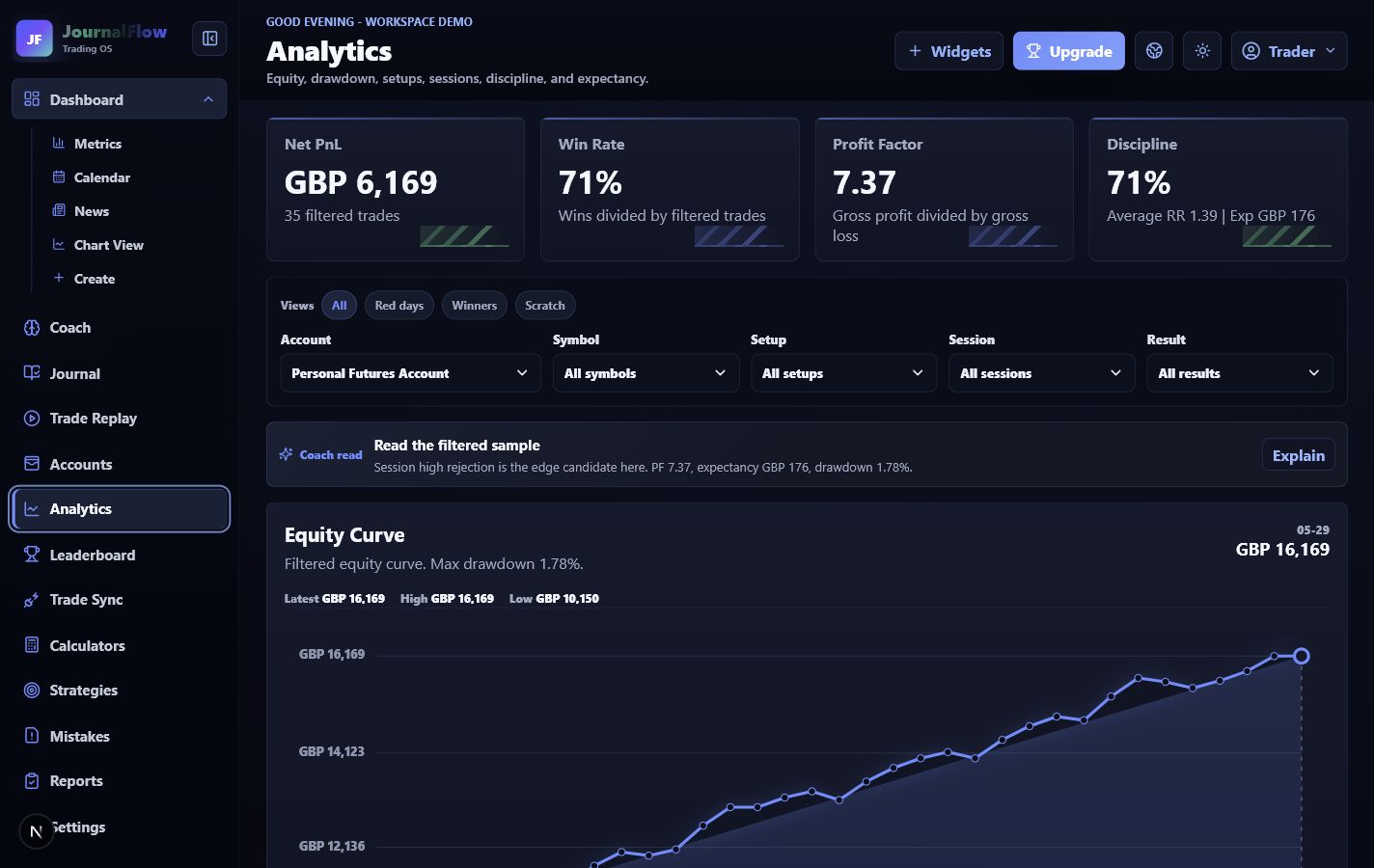
Your edge broken down by behaviour.
Net PnL, win rate, profit factor, discipline, filtered equity, setup quality, sessions, symbols, and mistake cost all stay connected.
JournalFlow features
JournalFlow brings broker imports, trade review, screenshots, analytics, risk rules, replay, reports, and AI coaching into one workspace built for traders who need evidence, not guesswork.
Current product
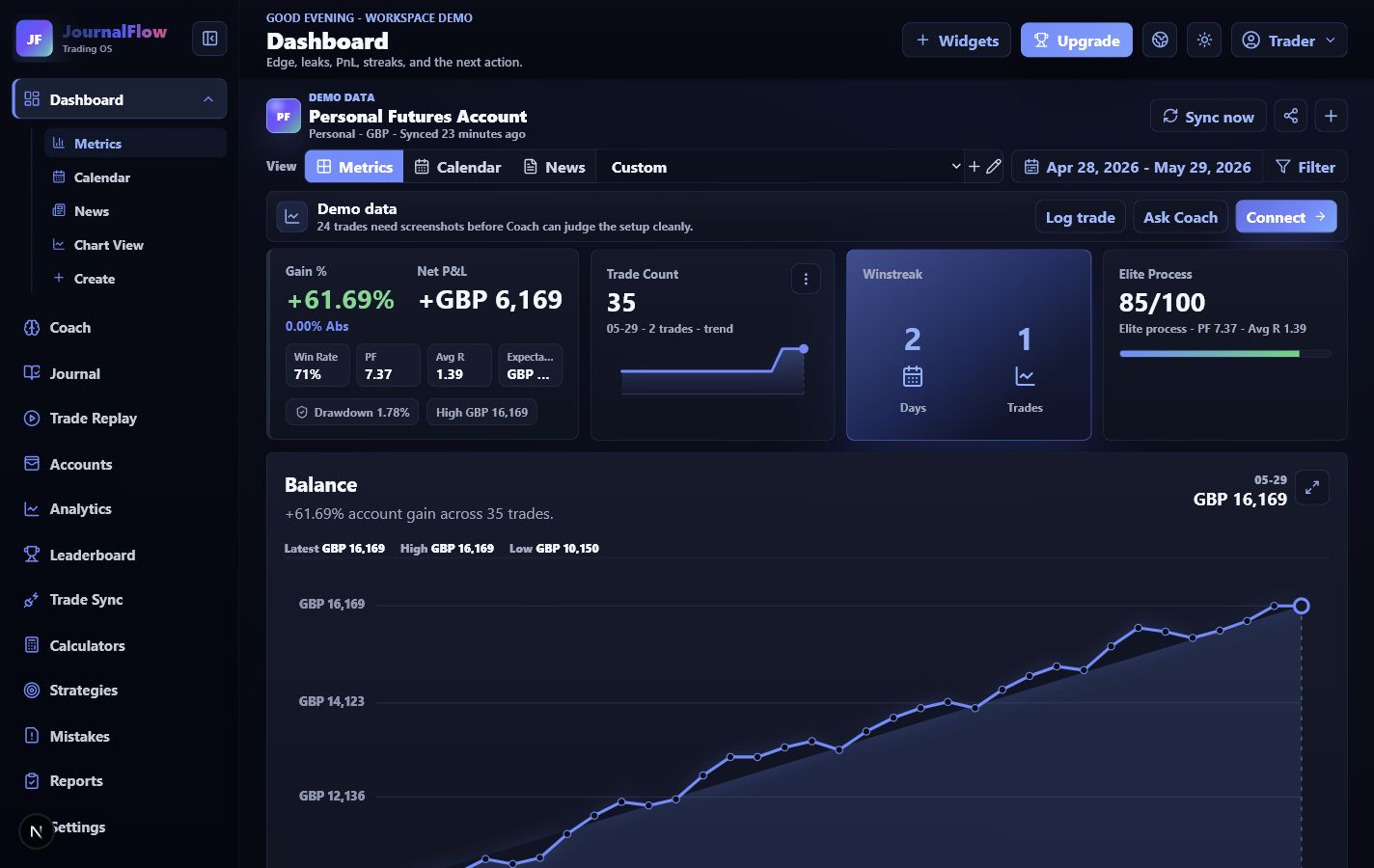
These captures come from the current JournalFlow demo, so traders can judge the workflow from the product they will actually use.
Net PnL, win rate, profit factor, discipline, filtered equity, setup quality, sessions, symbols, and mistake cost all stay connected.
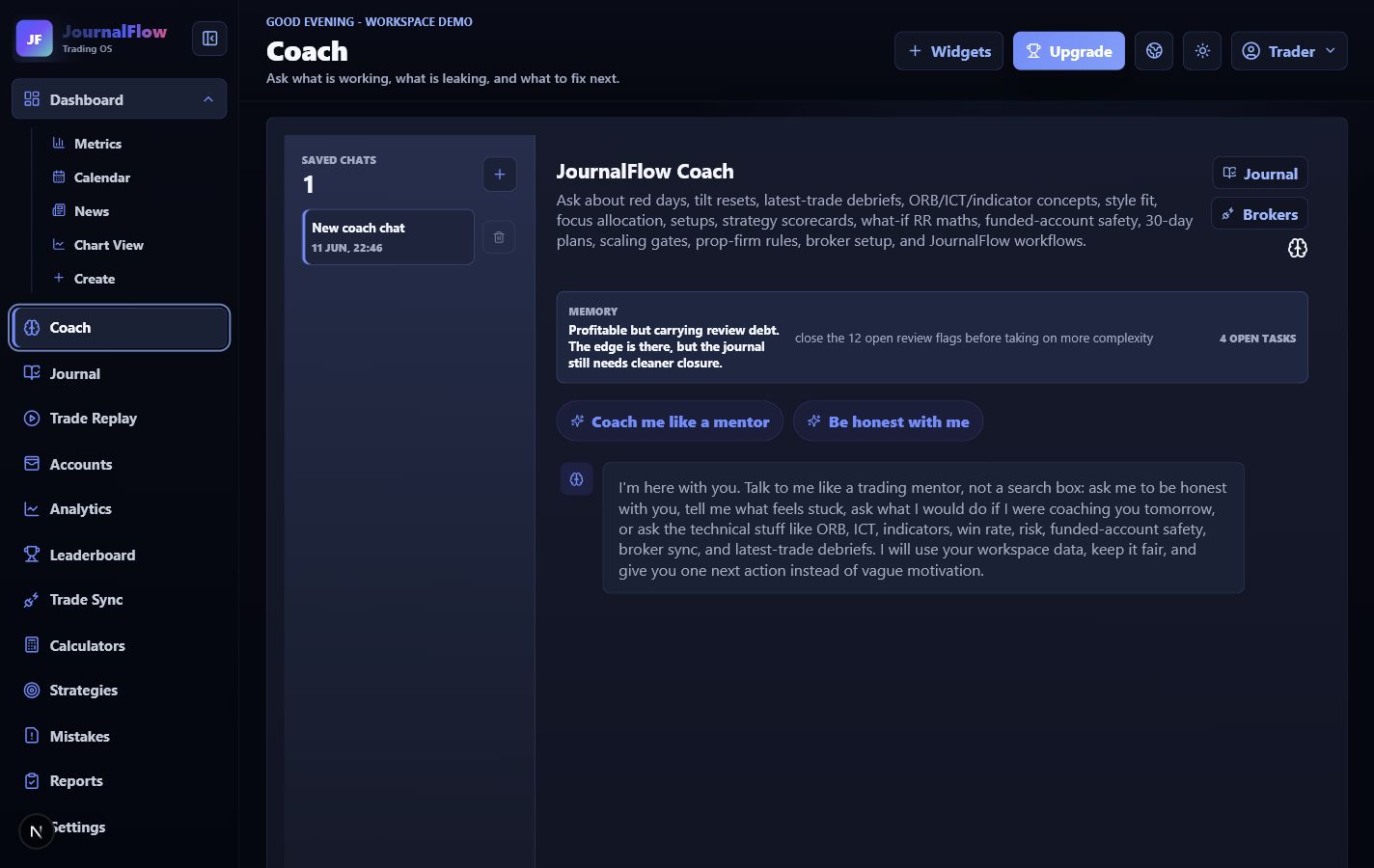
Coach reads journal context, open review tasks, broker setup, strategy notes, and risk rules so feedback is based on the workspace.
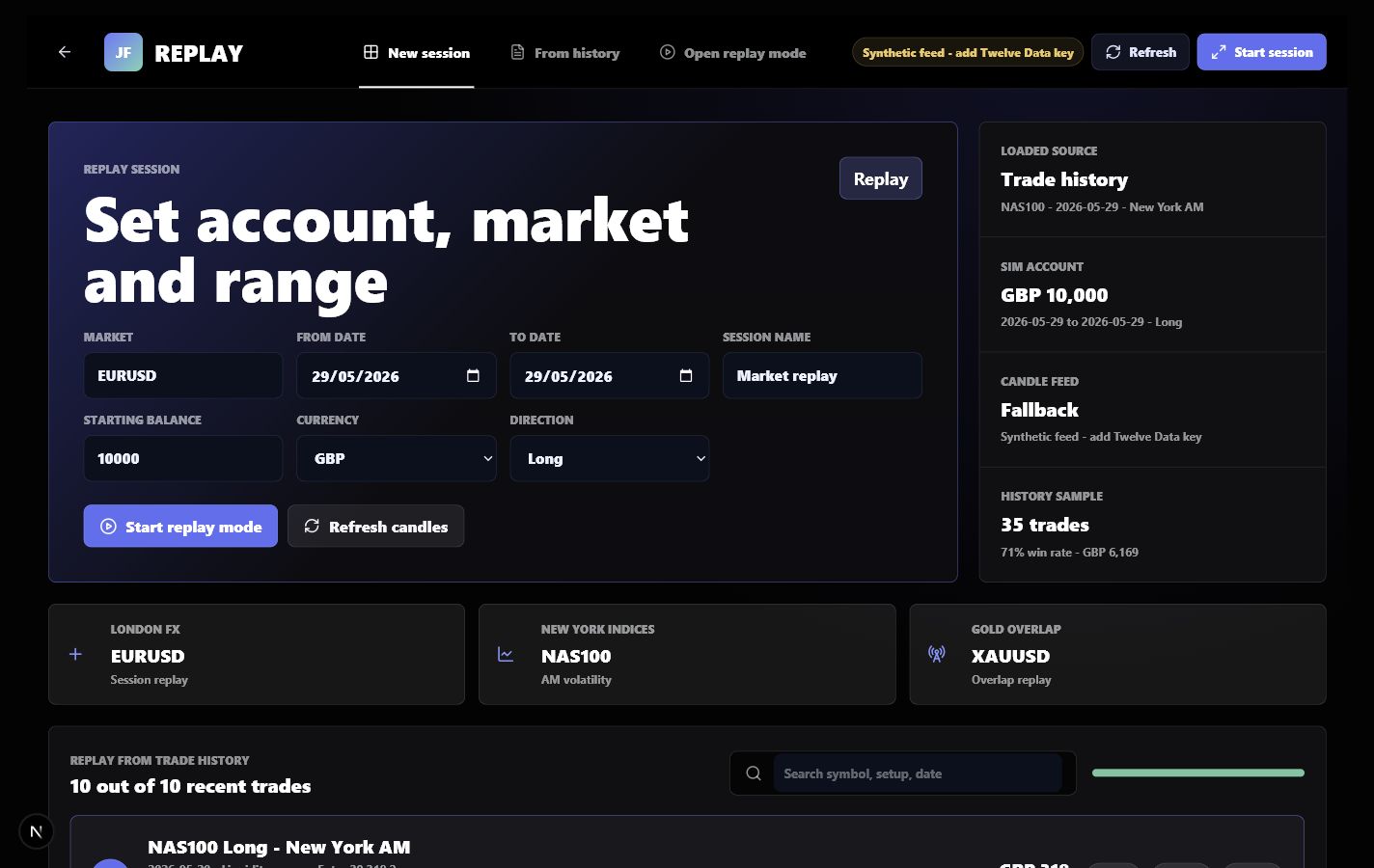
Set market, account, date range, session, direction, and starting balance from the same place the journal stores the result.
Keep session notes, calendar context, high-impact events, and trade decisions connected so reviews explain why the setup mattered.
Review loop
JournalFlow is designed so a trader can stop bouncing between broker exports, notes, screenshots, spreadsheets, calculators, and chat tools.
Sync supported brokers or upload a file so the workspace starts from real executions.
Add setup, session, mistake, emotion, screenshot, lesson, and review state to every trade.
Use filtered analytics to see what is actually helping or hurting the account.
Turn the data into a smaller rule, tighter risk limit, or clearer next-session plan.
MT4/MT5 bridge path, read-only exchange APIs, and CSV upload routes keep trades flowing into one clean ledger.
Filter by account, symbol, setup, session, result, review status, screenshot status, mistake, direction, and date.
Saved chats, strategy feedback, prop-firm rules, setup scoring, red-day resets, and next-action coaching.
Attach market events, session notes, catalysts, and calendar context to the trades that need reviewing.
Equity, drawdown, expectancy, profit factor, average R, win rate, discipline, sessions, setups, and symbols.
Red-day patterns, overtrading windows, clean days, daily notes, news context, and the trades behind each result.
Turn setups into rules, attach screenshots, compare execution, and see where the process drifted.
Separate demo, personal, challenge, and funded accounts with their own balances, currencies, rules, and progress.
Forex lots, futures contracts, daily loss limits, drawdown rules, prop-firm safety, and stop-trading checks.
Why it feels different
The journal stores the evidence. The analytics show what is working. Replay brings the session back into view. Coach turns that into the next rule.
See the product
Open the demo workspace to see how trades, screenshots, replay, analytics, calendar, market context, reports, risk, and Coach work together.