CSV and statement upload
Use exports from futures platforms and prop-firm dashboards while direct connectors are added one by one.
Futures trader imports
JournalFlow supports file upload paths today for futures and prop-firm statements while Tradovate, NinjaTrader, Rithmic, and Interactive Brokers stay high-priority direct connector targets.
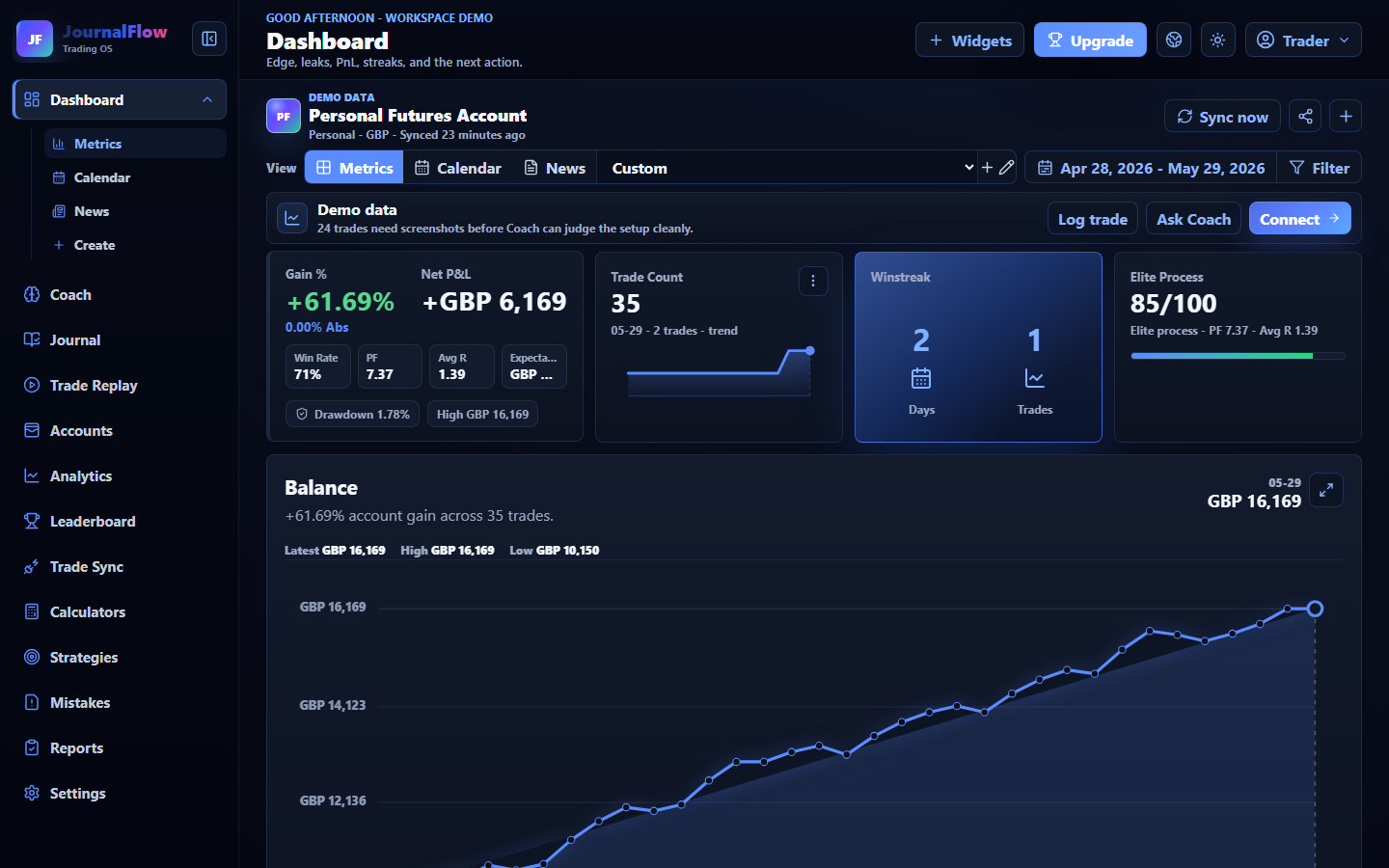
Use exports from futures platforms and prop-firm dashboards while direct connectors are added one by one.
Tradovate, NinjaTrader, Rithmic, Quantower, TradeStation, and Interactive Brokers are the futures routes traders keep asking for.
The import plan stays focused on read-only data, broker exports, and review workflows. JournalFlow does not place orders.
Workflow
Each use case should lead the trader toward a clear review loop, not just a feature list.
Separate personal futures, challenge, funded, and demo accounts.
Bring in executions, fills, fees, timestamps, symbols, and session data where the file supports it.
Review partials, scale-ins, scale-outs, and multi-execution trades as clean records.
Track RR, mistake cost, daily loss, max drawdown, and session performance.
Useful questions
Why it matters
The fastest way to serve futures traders is to make file uploads useful now, then prioritize direct connectors from real user demand.