Read-only mindset
Use investor-password style access where available. JournalFlow is for reviewing history, not placing trades.
MT4 trading journal
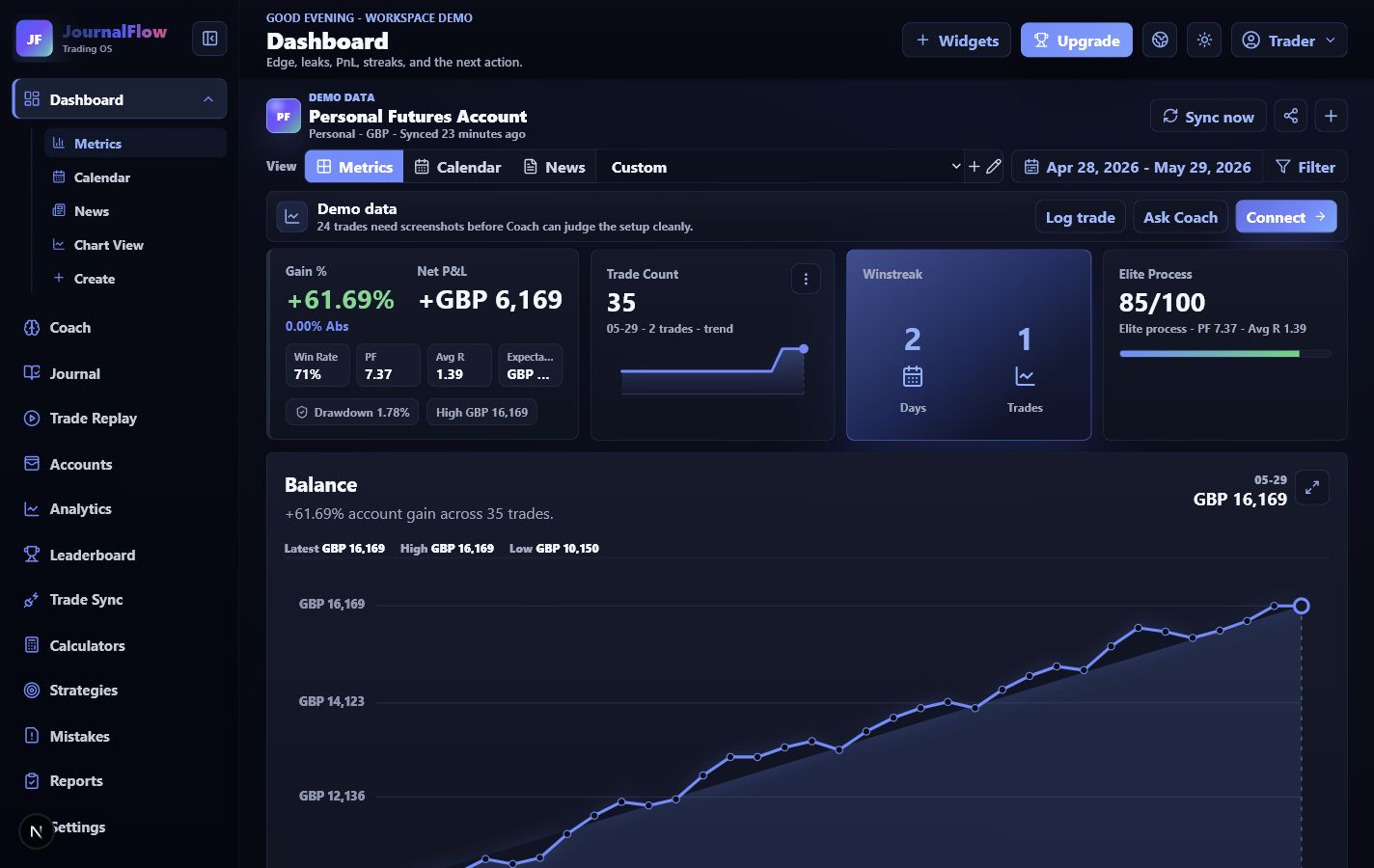
JournalFlow helps MetaTrader 4 traders review trades, screenshots, RR, sessions, mistakes, setups, and Coach feedback in one workspace.
JournalFlow is not affiliated with, endorsed by, or sponsored by MetaQuotes or MetaTrader.
Use investor-password style access where available. JournalFlow is for reviewing history, not placing trades.
Bring MetaTrader trade history into the same place as screenshots, notes, rules, and reports.
Ask Coach about pairs, sessions, setups, RR, early exits, mistakes, and account behaviour.
Workflow
A platform export or read-only import only matters if it becomes a clear review routine. JournalFlow connects the record to the trader's next rule.
Separate live, demo, challenge, and funded MetaTrader accounts.
Connect with read-only details where supported, or upload files where needed.
Add setup, session, RR, mistake, screenshot, and rule-following context.
Use analytics and Coach to decide what to protect next session.
Platform questions
No. Where a MetaTrader route is supported, the safer approach is read-only or investor-password style access.
Yes. Manual logging and file upload routes can still support review while direct sync is configured.
No. JournalFlow reviews the trading record. It does not place orders or manage funds.
JournalFlow for MetaTrader 4
The goal is not to copy a platform dashboard. The goal is to turn trades into evidence, reports, Coach context, and a smaller next-session plan.