Investor-password mindset
MetaTrader review should use read-only access where available, not master trading passwords.
MetaTrader journal
JournalFlow's MT4 and MT5 route is designed around platform, broker server, login number, and investor-password style access so traders can review history without giving trading permission.
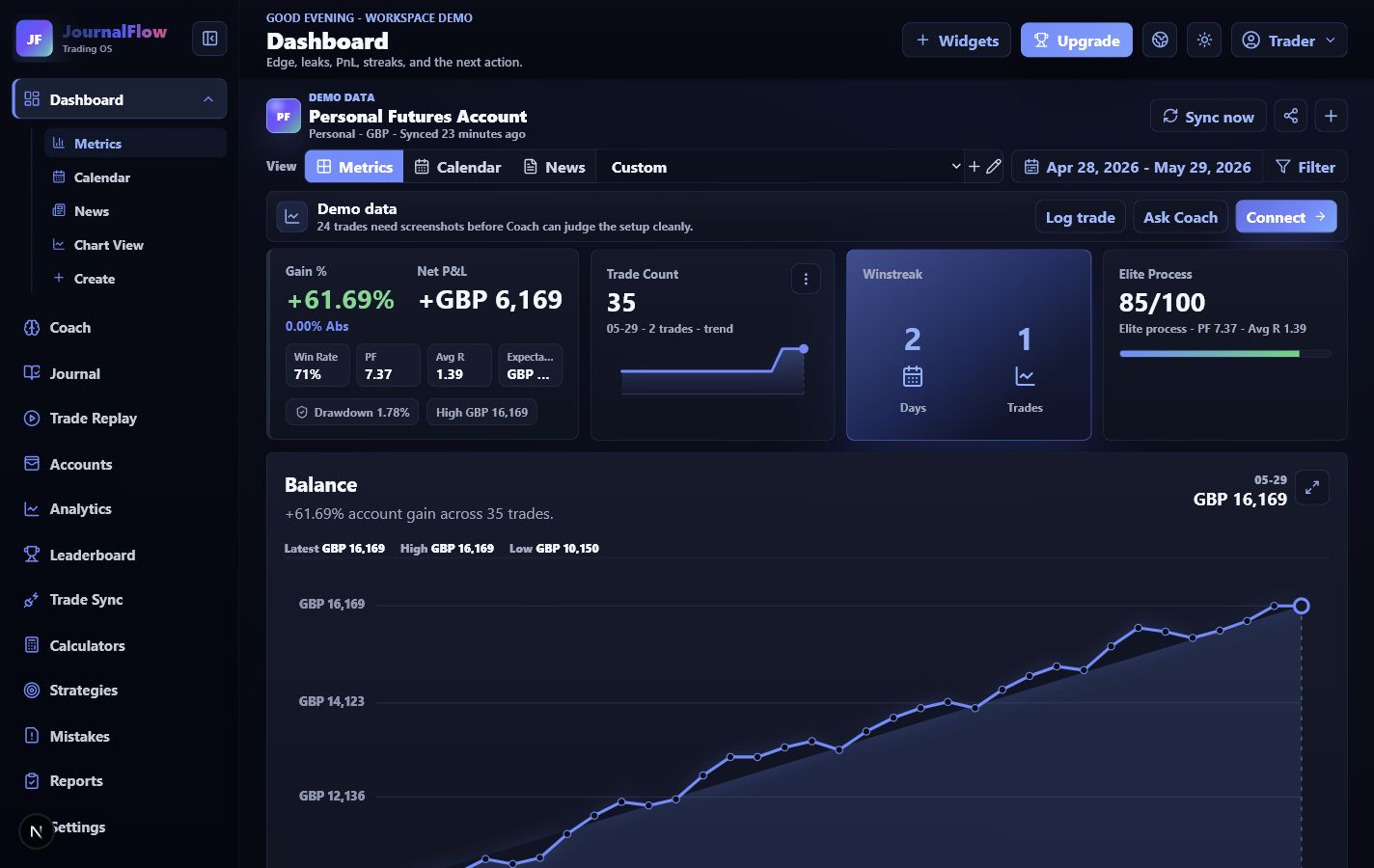
MetaTrader review should use read-only access where available, not master trading passwords.
The hosted MT4/MT5 path becomes active once provider access and broker verification are complete.
Raw account history becomes sessions, setups, RR, screenshots, analytics, reports, and Coach context.
Workflow
Each use case should lead the trader toward a clear review loop, not just a feature list.
Enter platform, server, login number, and read-only account details where supported.
Bring trades into the same workspace as manual logs and screenshots.
Label ORB, liquidity sweep, ICT, indicator, continuation, or custom strategies.
Use Coach to review sessions, mistakes, RR, and what the next rule should be.
Useful questions
Why it matters
MetaTrader gives the execution history. JournalFlow turns that history into a process review.