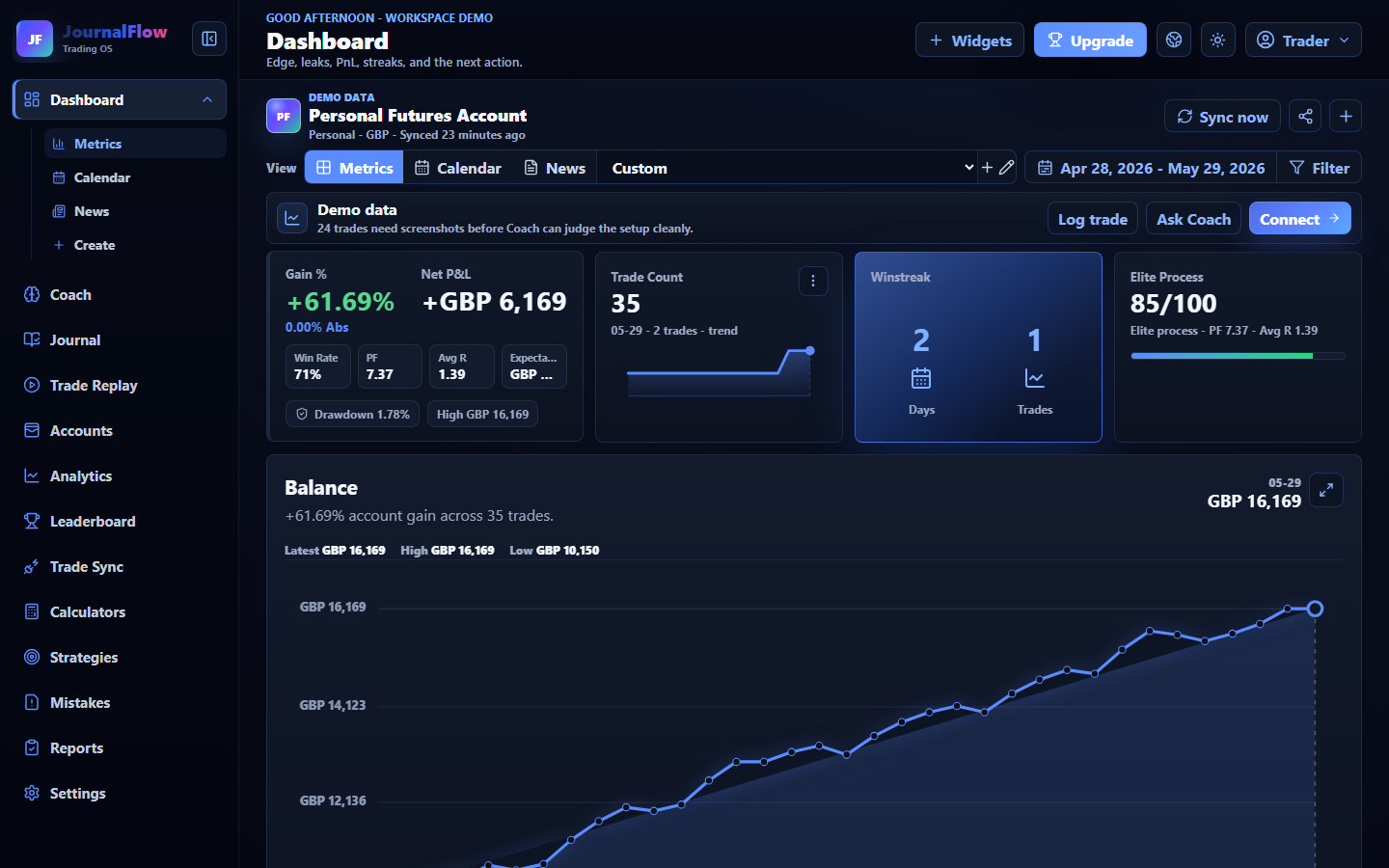
The right trading journal app is the one that gets a trader from one messy session to one honest review. Feature lists matter less than whether the app can turn real trade evidence into a repeatable improvement loop.
Test with one complete trade
Before judging any journal app, put one real or demo trade through the whole workflow. The record should explain what was planned, what happened, what the chart showed, and what changes next.
- Log or import the trade without losing account context
- Attach the screenshot that proves the entry and management
- Write the mistake, lesson, and next-session rule
Check the review workflow, not just the dashboard
A clean dashboard is useful, but the app should also help the trader review setups, sessions, RR, mistake cost, screenshots, funded-account guardrails, and reports without rebuilding the process every week.
- RR, win rate, expectancy, profit factor, and drawdown by account
- Setup, session, symbol, mistake, emotion, and screenshot filters
- Weekly review and Coach-style next actions from the same evidence
Keep fallback and trust visible
Broker sync is helpful, but no launch decision should depend on a connector being perfect on day one. A serious app should show manual logging, CSV upload, read-only access, export clarity, and support paths.
- Use read-only broker access where sync is supported
- Keep manual logging and CSV File Upload as fallback routes
- Avoid apps or claims that promise signals, payouts, or guaranteed profit